
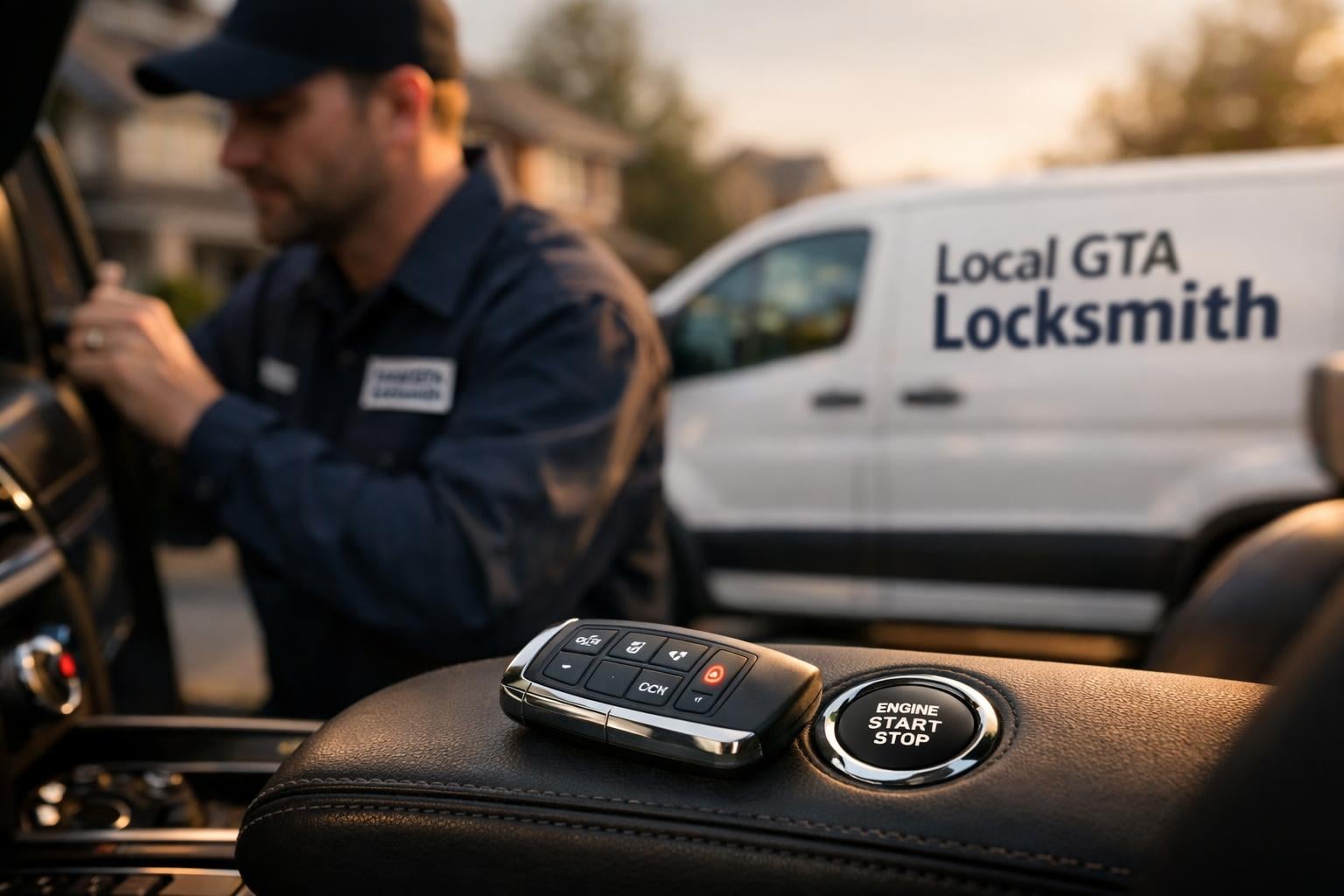
Ford Smart Key Programming | GTA
Ford-specific smart-key programming guidance focused on proximity systems, push-to-start workflows, compatibility checks, and realistic mobile service expectations.
Best next step
Use this page when the vehicle relies on a smart key or push-to-start system and you need a clearer route into pairing, verification, or security follow-up.
Make-specific
Platform context matters
Workflow
OEM and system differences
Next-step routes
Service and security branches
What this guide covers
Ford-specific smart-key programming guidance focused on proximity systems, push-to-start workflows, compatibility checks, and realistic mobile service expectations.
Get a quote by phone
Tell us your vehicle year, make, model, and what happened. We quote over the phone - no obligation until you say go.
Call Now: (647) 557-8103Why Ford smart-key intent is different
This route is most useful for drivers with higher-complexity convenience systems who need clearer guidance than a broad programming page can provide.
Smart-key jobs combine convenience and security
Security content should focus on real-world theft prevention and key management, not hype. That usually makes a make-specific route more helpful than a broad one-size-fits-all page.
Ford platform detail matters
remote-start, truck/SUV key workflows, and transponder or proximity systems common on North American platforms influences how proximity functions, push-start behaviour, and overall pairing expectations should be explained.
Users often arrive with partial symptoms
They may have a fob that unlocks but does not start the vehicle, or a replacement smart key that still feels incomplete.
What Ford owners usually compare on smart-key jobs
These are the practical branches owners usually compare before they know whether to continue with smart-key programming, replacement, or security follow-up.
Spare smart-key planning
Some users want a second proximity key before the only working fob becomes the next emergency.
Replacement smart-key pairing
Others already have a replacement key or fob and need realistic guidance about compatibility and testing.
Security-aware follow-up
Because smart-key ownership often overlaps with anti-theft concern, some situations are better handled with a security follow-up after the key issue is understood.
Useful next-step pages
These next-step pages usually make the route clearer once the key type and the real problem are understood.
Step-by-step
- 1
Direct smart-key programming service
Use the operational route when the smart-key job is already clearly defined.
- 2
Push-to-start key security
Helpful for users whose main concern is now the broader security angle of smart-key ownership.
- 3
Key fob replacement
Relevant if the physical or electronic fob condition still needs to be solved before the programming workflow makes sense.
Why this matters
- Ford context for models like the F-150, Escape, and Explorer.
- remote-start, truck/SUV key workflows, and transponder or proximity systems common on North American platforms
- The strongest copy angle is usually vehicle uptime, fleet practicality, and avoiding towing or long dealer scheduling windows.
Questions that usually change the next step
These details usually decide whether the fastest route is direct service, compatibility troubleshooting, repair, or security follow-up.
Smart-key pages need stronger control and security framing
Convenience features, access control, and trust in the final testing result matter more here than on a basic key route.
Partial function should be treated as uncertainty, not success
Unlocking the doors is not enough if start authorization or proximity behavior is still inconsistent.
The best route often branches into security follow-up
These pages are strongest when they connect vehicle access decisions with broader push-to-start or smart-key risk context.
What usually matters on this make
These make-specific details often influence the key type, the workflow, and what the safest next step looks like.
Key detail 1
Ford context for models like the F-150, Escape, and Explorer.
Key detail 2
remote-start, truck/SUV key workflows, and transponder or proximity systems common on North American platforms
Key detail 3
The strongest copy angle is usually vehicle uptime, fleet practicality, and avoiding towing or long dealer scheduling windows.
Choose the best route from here
Brand-specific pages work best when they help users decide whether to continue researching the make, move into the direct service path, or compare a related intent cluster.
Ford Brand Hub
Return to the Ford overview page for broader make-specific research.
- Ford context for models like the F-150, Escape, and Explorer.
- Use this route when you want a more specific next step than a generic service overview.
Smart Key Programming
Use the main service page when you want the direct operational route without the brand-specific context layer.
- remote-start, truck/SUV key workflows, and transponder or proximity systems common on North American platforms
- Use this route when you want a more specific next step than a generic service overview.
Aftermarket Key or Fob Not Programming?
Read the diagnosis-first page for this symptom before or after reviewing the direct service.
- The strongest copy angle is usually vehicle uptime, fleet practicality, and avoiding towing or long dealer scheduling windows.
- Use this route when you want a more specific next step than a generic service overview.
Brand and service routes
Use these links to move into the direct service page, a closer diagnosis route, or the wider brand hub if you still need broader research.
Ford Brand Hub
Return to the Ford overview page for broader make-specific research.
Compare Ford Brand HubSmart Key Programming
Use the main service page when you want the direct operational route without the brand-specific context layer.
Go to Smart Key ProgrammingAftermarket Key or Fob Not Programming?
Read the diagnosis-first page for this symptom before or after reviewing the direct service.
Read Aftermarket Key or Fob Not Programming?Push-to-Start and Smart-Key Security
Useful for users who also need the security or anti-theft context around this service.
Review Push-to-Start and Smart-Key SecurityCommon questions
These answers focus on the brand-specific details that usually matter before booking the job.
Can you program Ford smart keys on-site?
In many cases, yes. The exact workflow depends on the Ford platform, the smart-key type, and whether the starting point is a spare, a replacement, or a failing original fob.
Why is smart-key programming more useful as a Ford-specific page?
Because the real differences come from platform behaviour, convenience features, and how models like the F-150, Escape, and Explorer handle pairing and verification.
Should smart-key users also read the security pages?
Often yes, especially when the vehicle depends on one working fob or the concern extends beyond convenience into key exposure and anti-theft planning.
Ready to move forward?
Need Ford smart-key context?
Use the direct smart-key service page when the operational job is clear, or continue into the security cluster if the bigger concern is proximity-key risk and vehicle access control.